Admin dashboards

A dashboard should reduce friction, not add another layer of noise.

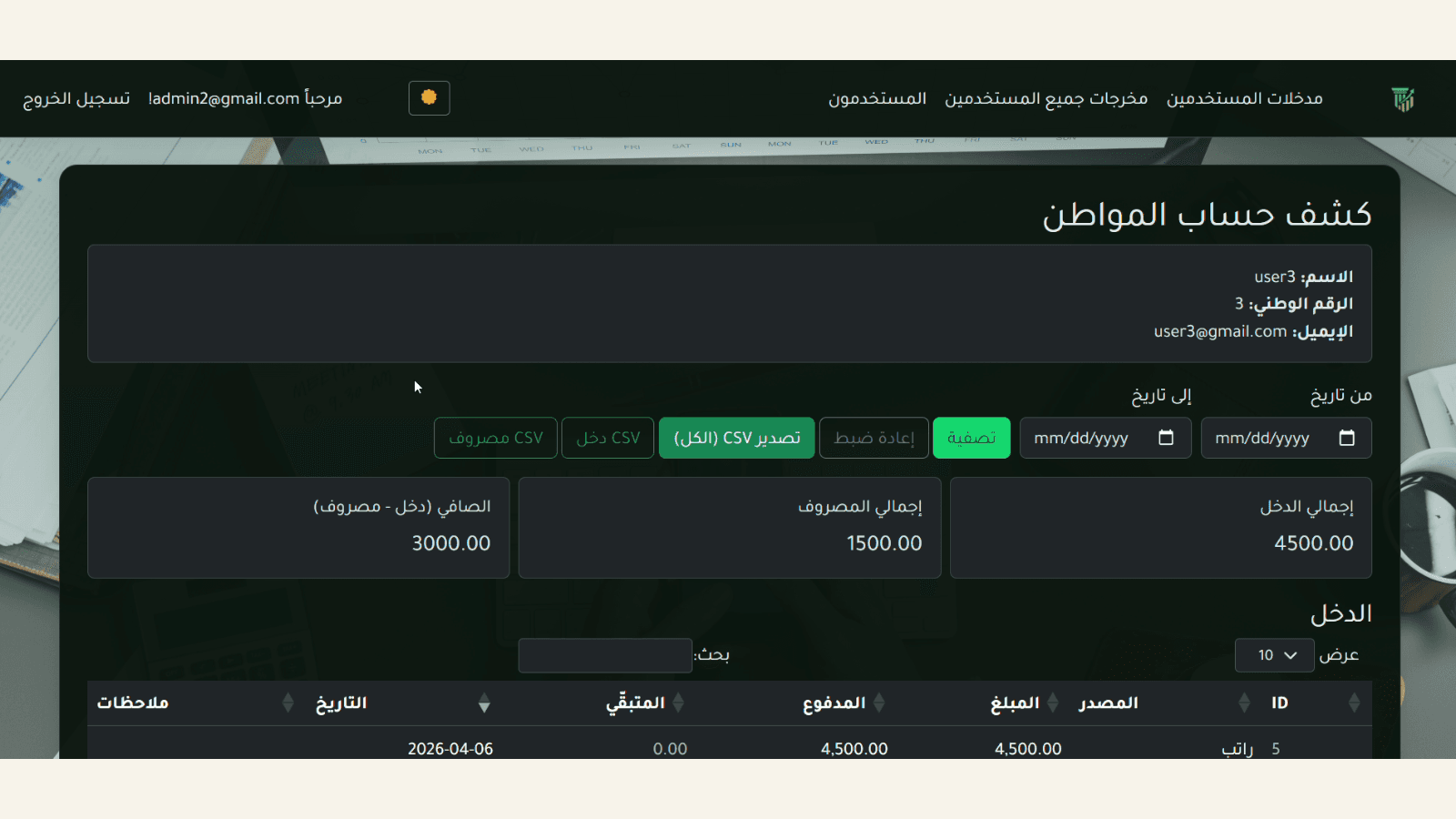
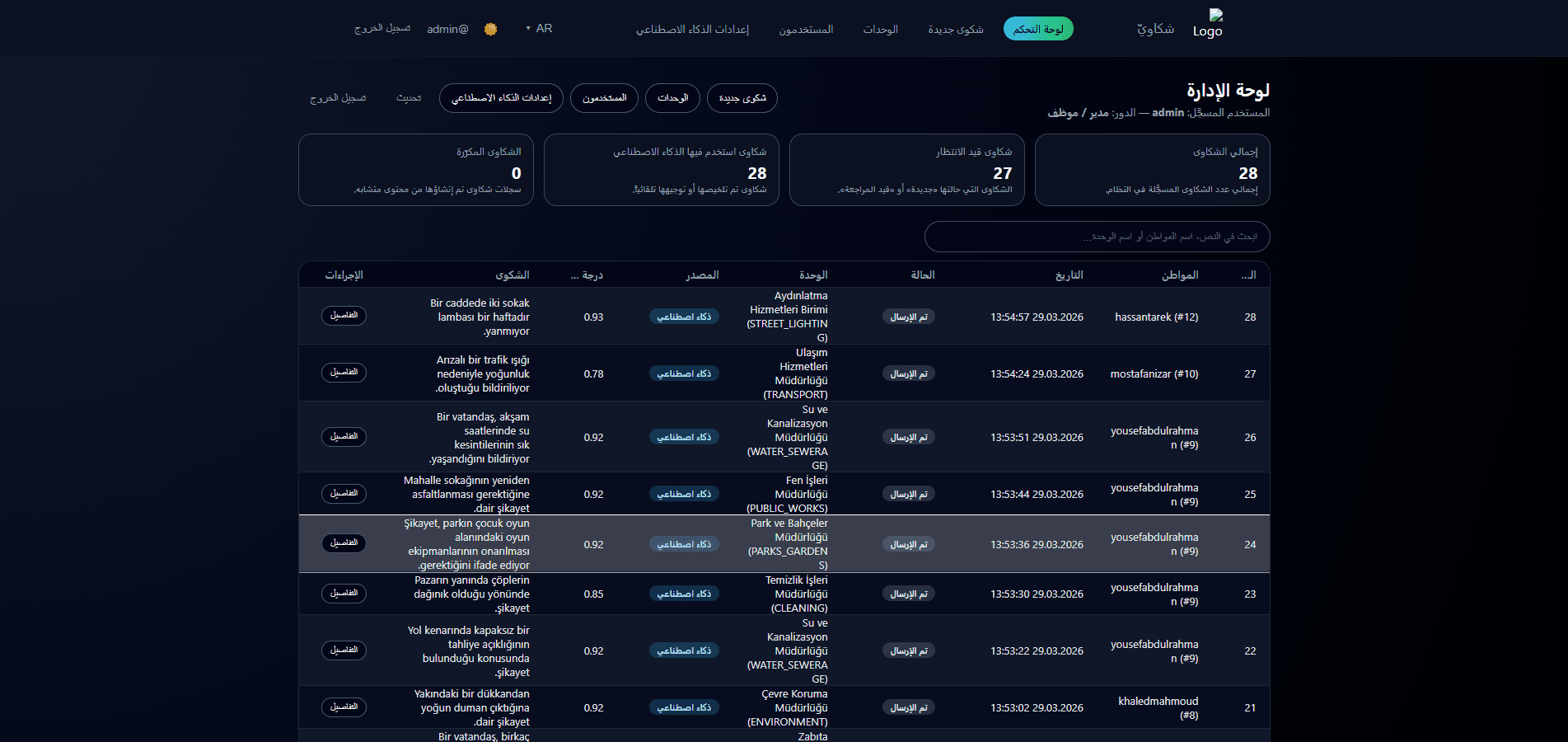
We shape the dashboard around what the team actually needs each day: what needs review and what state each item is in.

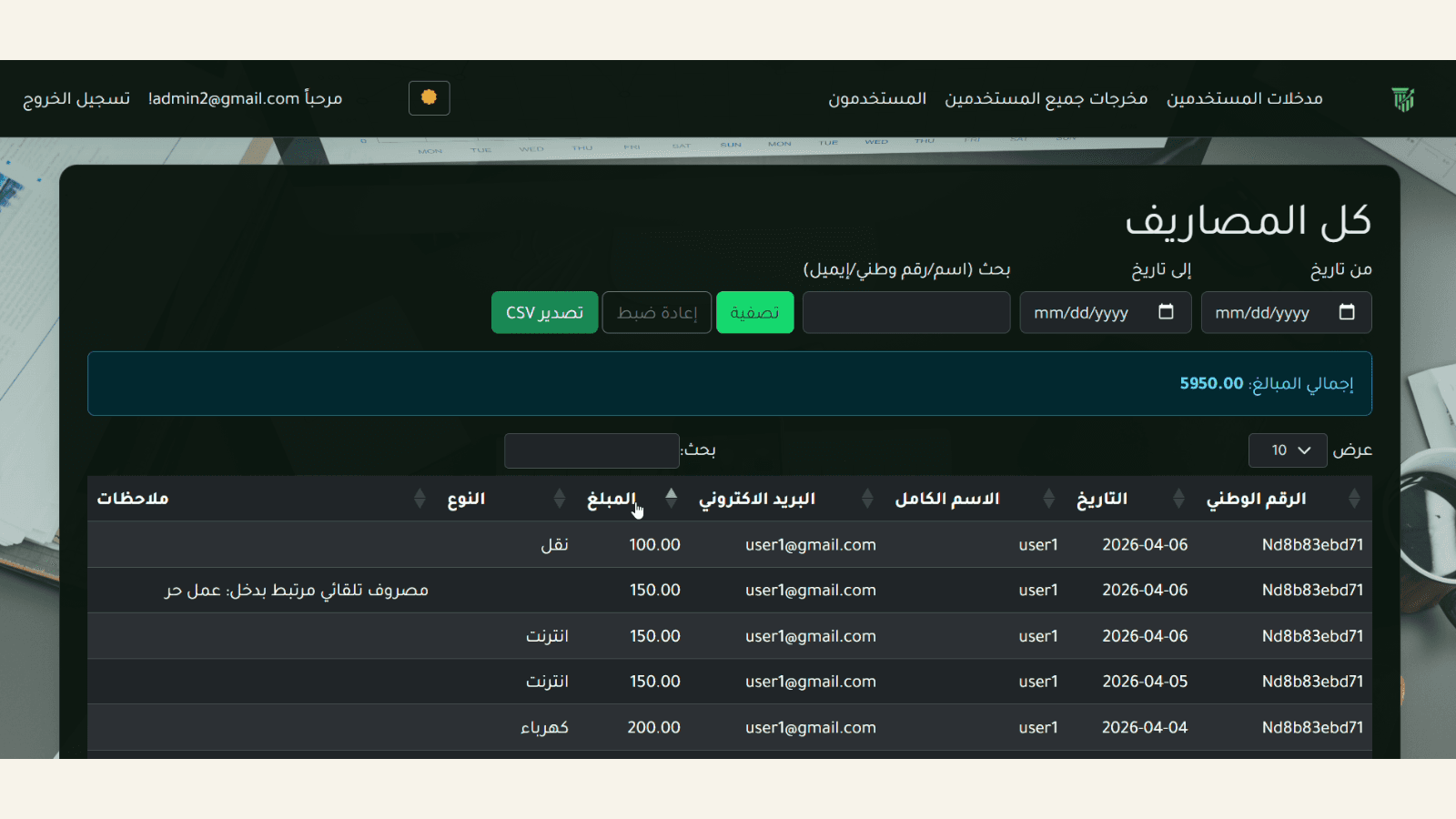
Operational dashboards that help teams track requests, statuses, and data in one clearer place.

Teams that need a practical control layer instead of jumping between different tools and sheets.

  • A better picture of current work
  • Less switching between sources
  • Cleaner internal operations

This service fits when

  • A team needs a shared operational view
  • Requests or cases must be reviewed regularly
  • Current tracking depends on sheets or scattered messages

What goes into the dashboard

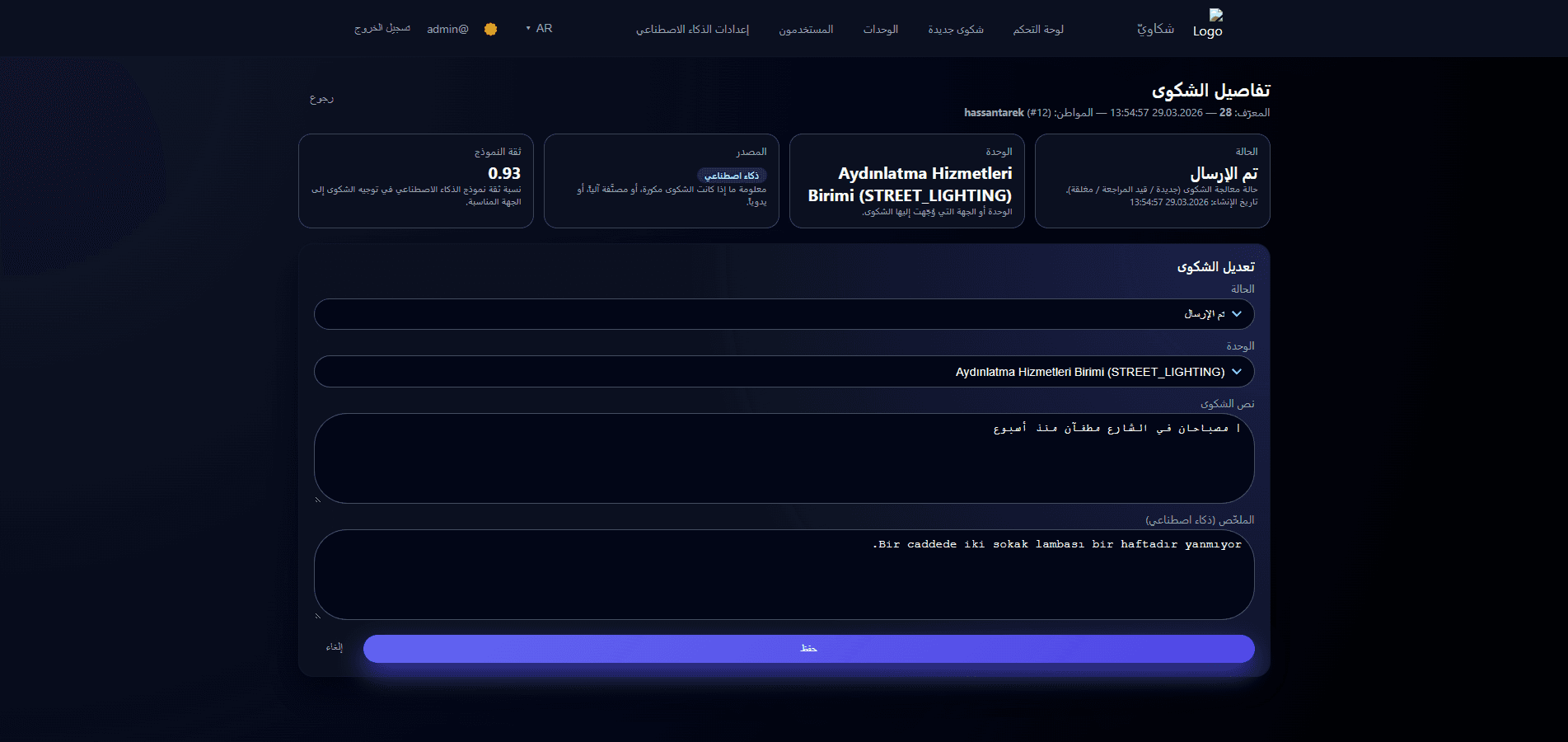
  • Core list and detail screens
  • Filters and operational states
  • Roles and permissions when needed
  • A structure that stays extendable

Delivery approach

  • Understand the current workflow
  • Reduce the system to its core actions
  • Build the screens used in daily operations
  • Review the dashboard against real scenarios

Related work

Restaurants and daily operations

Order platform for a restaurant operating across multiple branches

We moved requests into one clearer flow instead of scattered WhatsApp messages and calls, with a simple dashboard for the staff.

Before the build, orders came through multiple channels with no shared screen, which slowed down follow-up and created repeated internal communication.

Web application + admin dashboard + order workflow

  • Built one order view for all branches
  • Organized status transitions
  • Surfaced the most important data for the staff
First release
3 weeks
Order review time
-60%
Tracking sources
One screen

Before

  • Orders arrived from separate channels
  • No shared state screen
  • Old messages had to be reviewed manually

After

  • One order list for the team
  • Clear state for each order
  • Faster follow-up within the branches

The first thing we fixed was not the visual layer. It was the staff question: where do I see the current state now?

Implementation note
Screenshot of order operations interface
Main operations view for requests and statuses.
Screenshot of order details view
Order details and key customer data in one view.
Poster placeholder for a short product demo

Reserved slot for a short demo clip

A 20 to 40 second clip can show how an order moves through its main states inside the system.

00:28

Internal operations and distribution

Laravel API and internal dashboard for a distribution workflow

We cleaned up the data layer and the operational interface so the team could track requests, inventory, and statuses with more confidence.

The previous process relied on separate files and manual checking, making it hard to know which status was current.

Laravel backend + API + internal operations dashboard

  • Mapped the main entities in the workflow
  • Built clearer endpoints
  • Created a dashboard that surfaces high-priority states
Repeated data entry
-40%
Current state source
One system
Phase one delivery
4 weeks

Before

  • Separate files and sheets
  • Heavy manual review
  • Unclear source of truth

After

  • Clearer data source
  • Structured API for interfaces and integrations
  • An operations view that shows what needs attention

Instead of starting from the interface, we first decided which entity was the true source inside the system.

Technical review note
Screenshot of API data flow view
Data flow and integration points in a clearer structure.
Screenshot of internal dashboard view
Internal dashboard showing cases that need review.
Poster placeholder for operations flow demo

Reserved slot for an operations flow clip

A short clip can explain how data moves through the API and how the team reviews states inside the dashboard.

00:34

Do your internal operations need better structure

Share how the team works now and where follow-up breaks down the most.